Guide: 5 video skills for Claude Code
Five free skills from GitHub that give your Claude Code videos a style the others don't have. With the command for each one.
- Claude
Translated from the Portuguese original.Read the original

In this guide
In this guide you'll install one of five video skills in Claude Code and come out with a video in a style that doesn't look like everyone else's.
You don't need to know how to code. You'll copy a command, paste a request in plain English and check the result. I tested all five on my Mac on 10/14/2026, and each part below says what worked and what went wrong.
✅ WHAT YOU'LL NEED
- Claude Code, which comes with every paid Claude plan (Pro costs US$ 20 a month). It writes the code for the video.
- Node.js (version 22 or newer) and FFmpeg. Node runs the skills and FFmpeg builds the video file. On a Mac, you get FFmpeg with
brew install ffmpeg. - Google Chrome. Almost all of them draw each frame on a web page and use Chrome with no window to take the picture.
- Python 3, only for Lemo Opuscar (version 3.11 or newer) and onetake.
If you've never installed Claude Code, start with the guide to editing reels with Claude Code. Steps 1 and 2 there work here too.
👉 Tip: a skill is a folder of instructions that Claude Code reads before it works. Once it's installed, open Claude Code again so it finds it.
1️⃣ HYPERFRAMES: HTML THAT TURNS INTO ANIMATION
What it does: Claude writes each scene as a web page, and HyperFrames, from HeyGen, turns that page into an MP4.
- Repository: github.com/heygen-com/hyperframes
- License: Apache 2.0, fine for paid work.
- GitHub stars on 10/14/2026: 63.7k.
Install it in the terminal:
claude plugin marketplace add heygen-com/hyperframes
claude plugin install hyperframes@hyperframes
Create a folder, open the terminal in it, type claude and paste:
Use HyperFrames to make a 7-second video, 1080x1920, with the title "HTML e CSS virando animação" over a red sun and moving waves, in the style of a Japanese woodblock print. Show me the preview before rendering.
It opens the preview with npx hyperframes preview and delivers the video with npx hyperframes render.
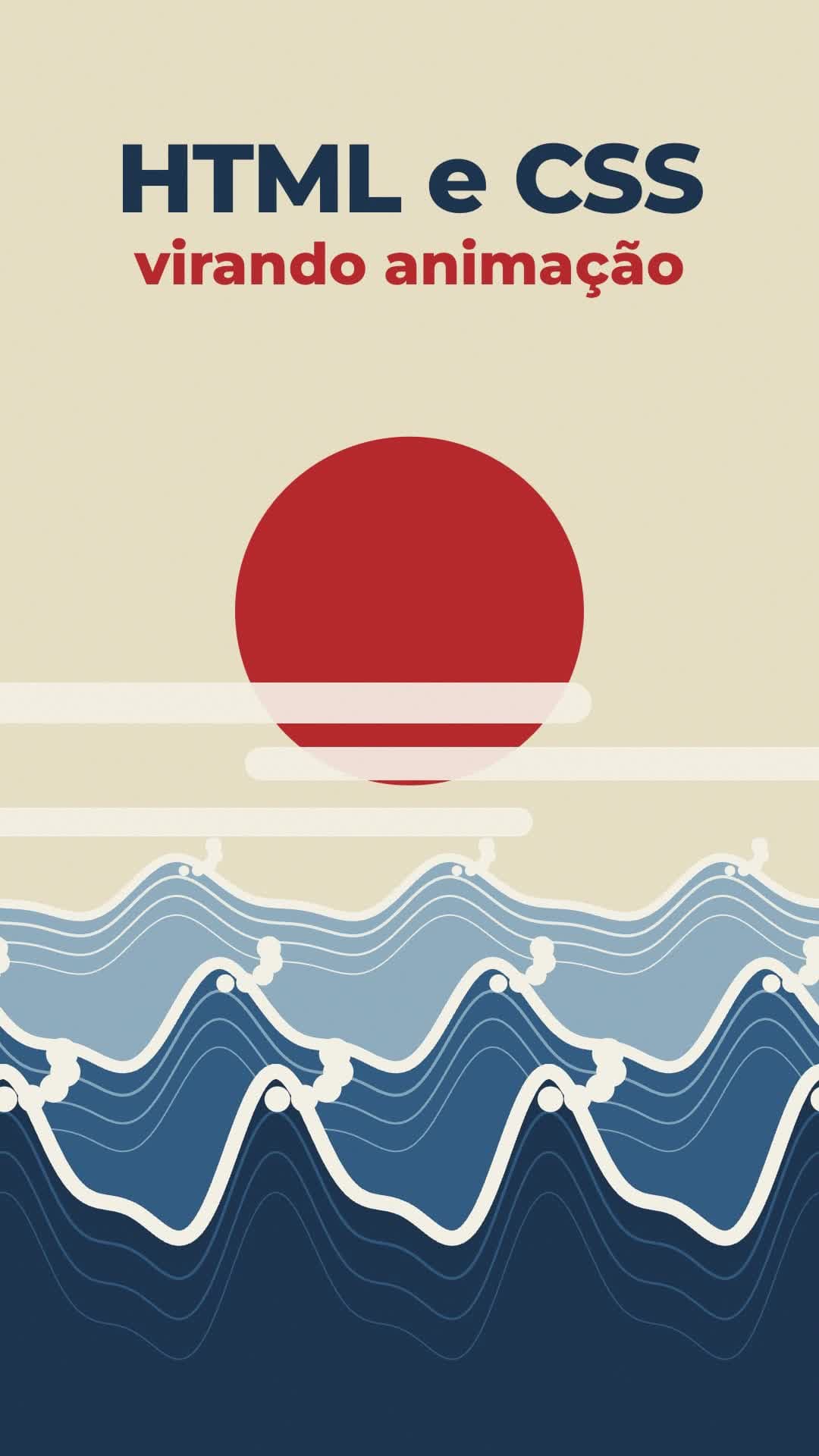
Watch out: in my test, 7 seconds of video took about 25 seconds to render. That's fast, but HyperFrames doesn't cut your raw footage on its own. Claude Code does the cutting, with FFmpeg. The full step by step for a reel is in the guide to editing reels.
2️⃣ ONETAKE: A CAMERA THAT NEVER CUTS
What it does: builds the whole video in a single shot. Each part grows out of the one before, with no cut, and the camera follows the subject.
- Repository: github.com/feitangyuan/onetake
- License: PolyForm Noncommercial 1.0.0. Commercial use is not allowed.
- GitHub stars on 10/14/2026: 2.4k.
Install it in the terminal:
git clone https://github.com/feitangyuan/onetake.git ~/.claude/skills/onetake
It needs Python 3 with playwright, numpy, scipy, Pillow and matplotlib, plus FFmpeg and Node. Claude Code installs whatever is missing if you ask.
In Claude Code, paste:
Use the onetake skill to make a 15-second launch video for my app, in a single shot, with no cuts. Before rendering, show me three ideas in one sentence each and wait for me to pick.
Watch out: it ran here, but the license only allows personal, study and research use. Videos for clients, ads or a profile that makes money are out. That's why I made the frame in my video in code myself.
3️⃣ COLLAGE B-ROLL: PAPER CUTOUTS THAT ASSEMBLE THEMSELVES
What it does: takes a line of yours, about 5 seconds long, and gives back a paper collage with halftone photos that builds itself piece by piece on a flat color background.
- Original repository: github.com/pyang5166/gbro-collage-broll
- License: MIT.
- GitHub stars on 10/14/2026: 1.4k.
Heads up: this one was made for Codex, not Claude Code. The still image comes from the Codex image generator, and the motion comes from Gemini, which is paid: by Google's price list in October 2026, about US$ 0.10 per second of video, around US$ 0.50 per 5-second clip. Install it like this, to use in Codex:
git clone https://github.com/pyang5166/gbro-collage-broll.git ~/.agents/skills/gbro-collage-broll
There's an adaptation for Claude Code, VOX-COLLAGE-BROLL, also MIT. It makes images and video through the MaxFusion service, which has its own account:
mkdir -p ~/.claude/skills/collage-broll-explainers
curl -o ~/.claude/skills/collage-broll-explainers/SKILL.md https://raw.githubusercontent.com/MegaTroll222/VOX-COLLAGE-BROLL/main/SKILL.md
claude mcp add --transport http maxfusion https://mcp.maxfusion.ai/mcp
In Claude Code, paste:
Make a collage b-roll for this line: "If you save a little every month, you don't need luck at the end of the year." Show me three image ideas before generating anything.
Watch out: the skill stops three times for your approval: the idea, the still image, and only then the video. Don't skip those stops, because a mistake only costs money at the last one.
4️⃣ CLAUDE ANIMATION BASE: HAND-PAINTED DRAWING
What it does: it's a brush drawing kit, made with p5.js and p5.brush. It comes with a ready character with 31 emotions, and Claude animates the scenes in code.
- Repository: github.com/JohnHeibel/ClaudeAnimationBase
- License: MIT.
- GitHub stars on 10/14/2026: 1.2k.
This one doesn't install as a skill: you download the folder and open Claude Code inside it.
git clone https://github.com/JohnHeibel/ClaudeAnimationBase.git
cd ClaudeAnimationBase
npm install
claude
Paste:
Read ANIMATION_GUIDE.md and make a 10-second video with a new character, an orange ball, that gets painted by a brush, blinks, looks around and gets happy. Save it to out/video.mp4.
To render without asking Claude, run node render.mjs --clip --out=out/video.mp4.

Watch out: the kit's canvas is fixed at 1920x1080, landscape. For reels, ask: "change the canvas in src/core.js to 1080x1920 and adjust the scenes". And without a dedicated graphics card, the watercolor fills make rendering slow; the author himself suggests swapping those fills for something else.
5️⃣ LEMO OPUSCAR: FILM STYLES, ALL IN CODE
What it does: brings dozens of film styles (watercolor, woodcut, ukiyoe, old terminal and more), and Claude directs a short film in the style you pick. It doesn't use a video model: the code draws every frame.
- Repository: github.com/lemomo-ai/lemo-opuscar
- License: MIT.
- GitHub stars on 10/14/2026: 2.3k.
- Styles: 43 when I tested it. The number keeps growing; in September there were 39.
Install it in the terminal:
claude plugin marketplace add lemomo-ai/lemo-opuscar
claude plugin install lemo-opuscar@lemolab
It needs Node 20 or newer, FFmpeg and Python 3.11 or newer. On first use, it downloads the guides and styles to ~/lemo-opuscar.
Paste in Claude Code:
Use Lemo Opuscar in the ukiyoe style and make a 30-second film, 1080x1920, about a traveler who climbs a mountain to watch the sunrise. Show me the storyboard before rendering.
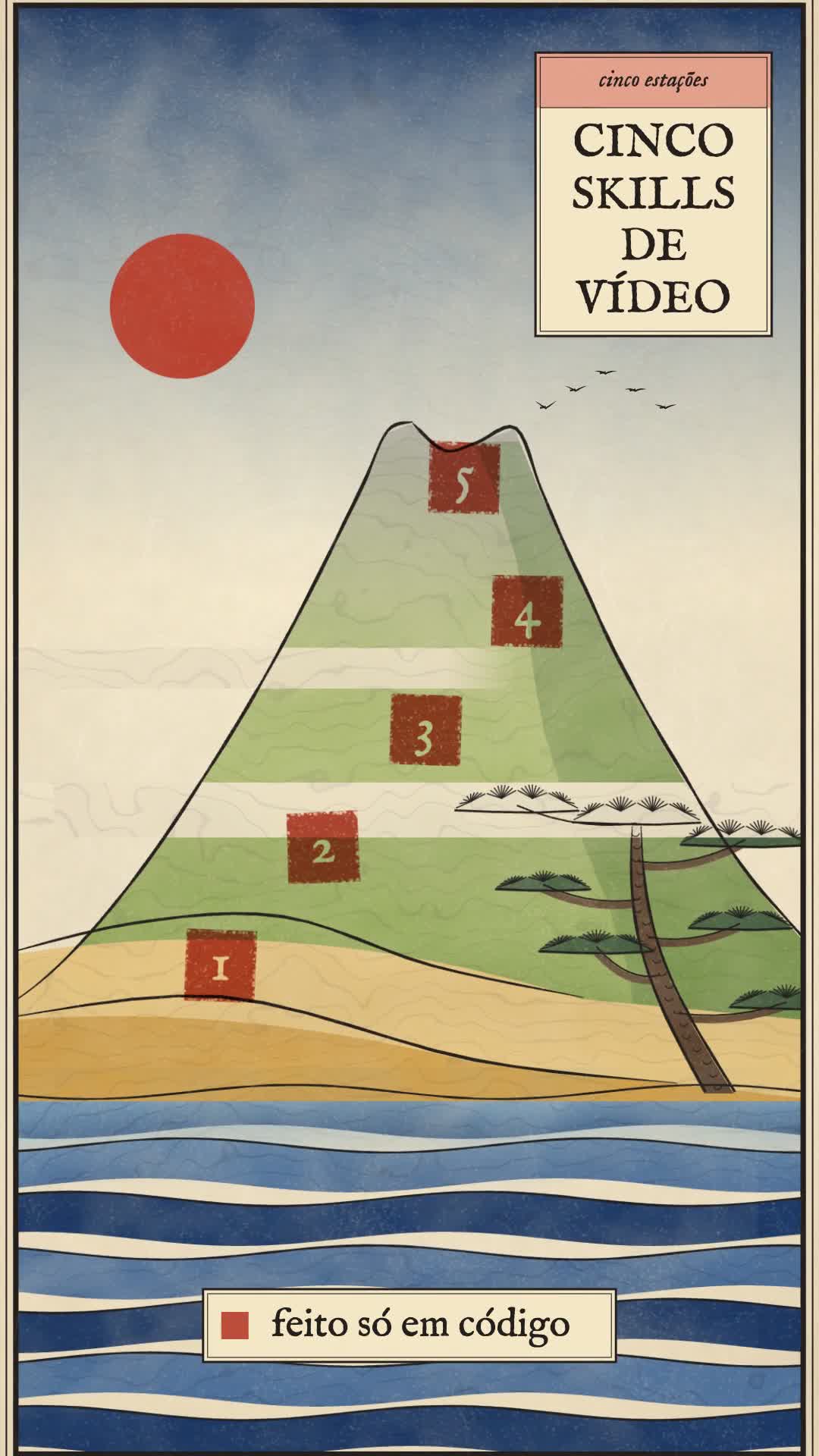
Watch out: in my test, a clip in the ukiyoe style rendered in 26 seconds. A whole film is a different story: the repository itself talks about 30 to 60 minutes of agent work and a lot of tokens. And the repository's sample films need fonts that don't come along when you download it; to run one of them, ask Claude to swap the font for one you have.
🤔 WHICH ONE TO PICK
- You want to edit your reel with captions and animation: HyperFrames.
- You want a drawing that looks handmade, with a character: Claude Animation Base.
- You want a ready film style, without spending AI video credits: Lemo Opuscar.
- You want paper collage and don't mind paying for the video: Collage B-roll.
- You want a video with no cuts for a personal project: onetake. For paid work, no.
⚠️ COMMON MISTAKES
- Missing font in a Lemo Opuscar sample film: the samples use fonts that aren't in the repository. Ask for a font swap before rendering.
- Landscape video in Claude Animation Base: the kit's canvas is 1920x1080. Ask for the change to 1080x1920 before animating.
- Using onetake in a client video: the license doesn't allow it. Check each skill's license before using it in paid work.
🎯 SUMMARY
Install a skill with one command, open Claude Code in a new folder and paste a request in plain English. Start with HyperFrames or Lemo Opuscar, which run for free and allow commercial use. Before using any of them in paid work, read the license.